How to Install and Activate Office Home and Business
Whether you purchased Office Home and Business 2019, 2021, or the latest 2024, the installation and activation process is simple and takes only a few minutes. Follow the steps below to get started.
1. Pre-Installation Recommendation: Uninstall the Old Office Version
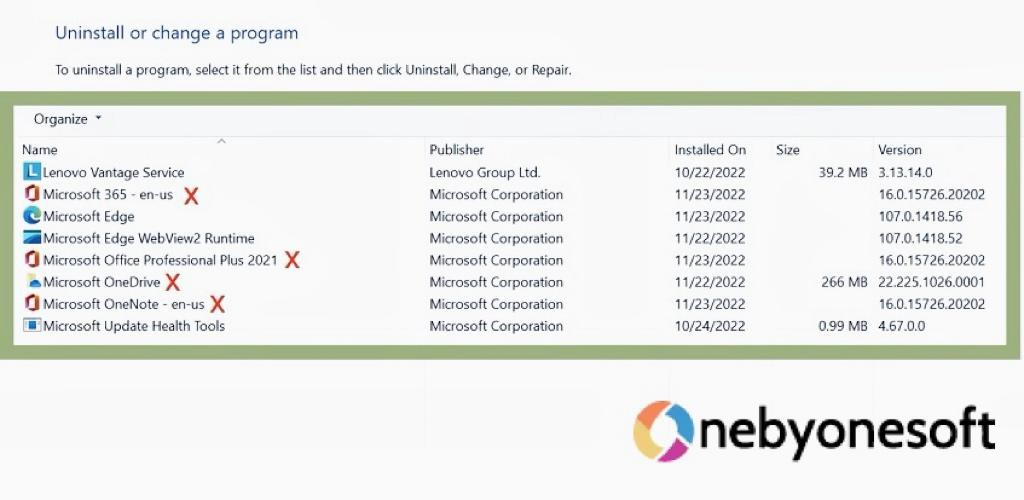
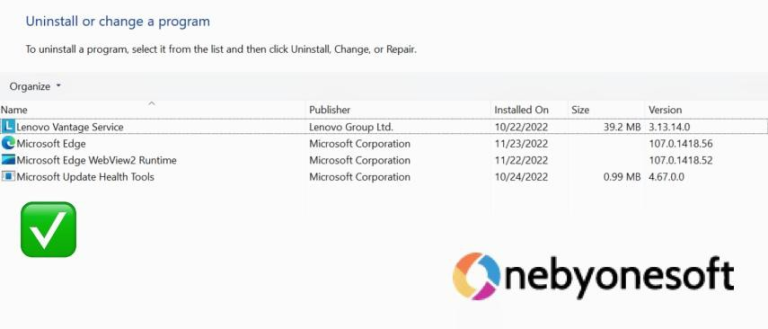
To make sure that the new version replaces the old one, you should uninstall the old Office apps before you start. If you don’t, the new version might not overwrite the old one, and you might still see and use the old Office apps.
1. Open Control Panel
2. Click on Programs > Programs and Features
3. Find the old Office version in the list and click Uninstall
Note: For thorough removal of all old Office versions, you can utilize the Office Uninstall Tool. You can access the tool from the link here.
* Please backup all Office files to avoid unnecessary data loss.